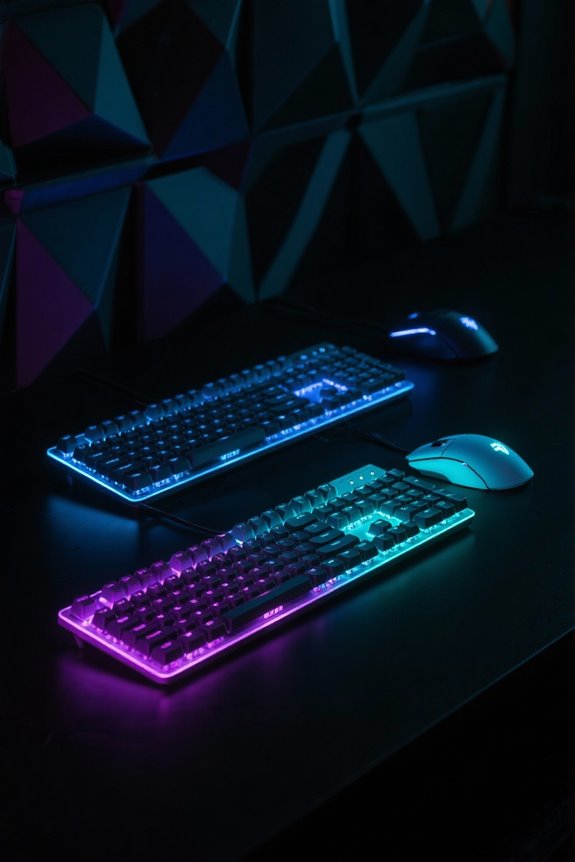
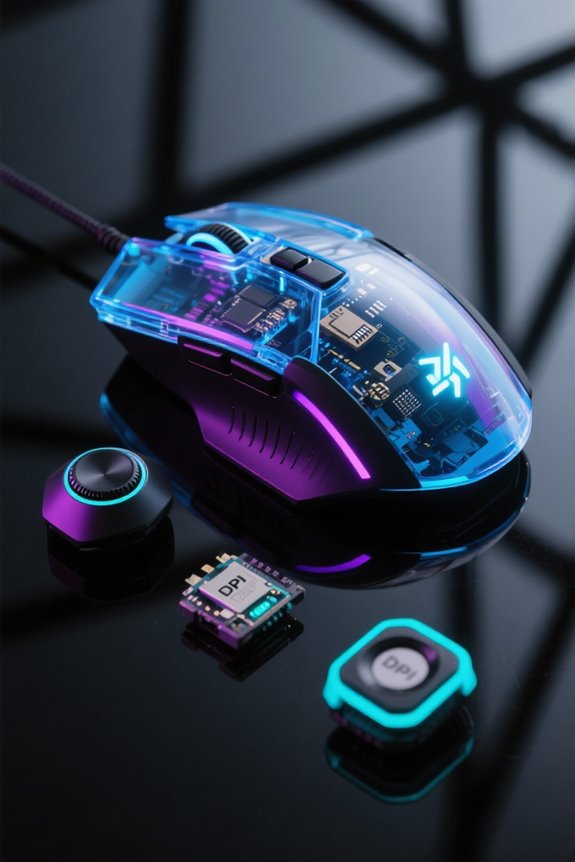
Programmable macro keys on keyboards and mice serve to simplify complex commands into single keystrokes, automating repetitive tasks. This feature boosts efficiency for tasks like gaming and professional work. For instance, models like the CORSAIR K70 RGB PRO utilize an 8000Hz polling rate for swift execution. Customization options allow you to assign specific macros to particular keys, ensuring smooth workflows. Such capabilities not only reduce input errors but also enhance productivity. Explore further to uncover more insights on optimizing these features.
Key Takeaways
- Programmable macro keys automate repetitive tasks, allowing users to execute complex commands with a single keystroke.
- These keys enhance gaming performance by enabling swift execution of in-game actions, giving players a competitive edge.
- Customizable macros can launch applications or input frequently used text, streamlining workflows for various tasks.
- Some keyboards feature onboard programming, eliminating the need for external software and storing macros directly on the device.
- High-quality gaming keyboards often include multiple layers, enabling different actions for the same key across various contexts.
Understanding Programmable Macro Keys
Programmable macro keys have become an essential feature in both gaming and professional keyboards, enhancing user efficiency with significant precision. These macro keys allow users to automate repetitive tasks by assigning complex commands or sequences to a single key press. With customizable setups, users can define unique functions, such as launching applications or inputting frequently used text—perfect for both gamers and professionals. Some keyboards even offer dual-layer functionality, allowing a single key to perform different actions depending on the active layer. This versatility minimizes clutter while maximizing productivity. With properly configured macro keys, individuals can achieve remarkable gains in efficiency, whether they’re speeding up gaming actions or streamlining data entry within demanding work environments. Modern gaming keyboards like the CORSAIR K70 RGB PRO feature advanced macro capabilities alongside an impressive 8000Hz polling rate for ultra-responsive performance.
Benefits of Using Macro Keys
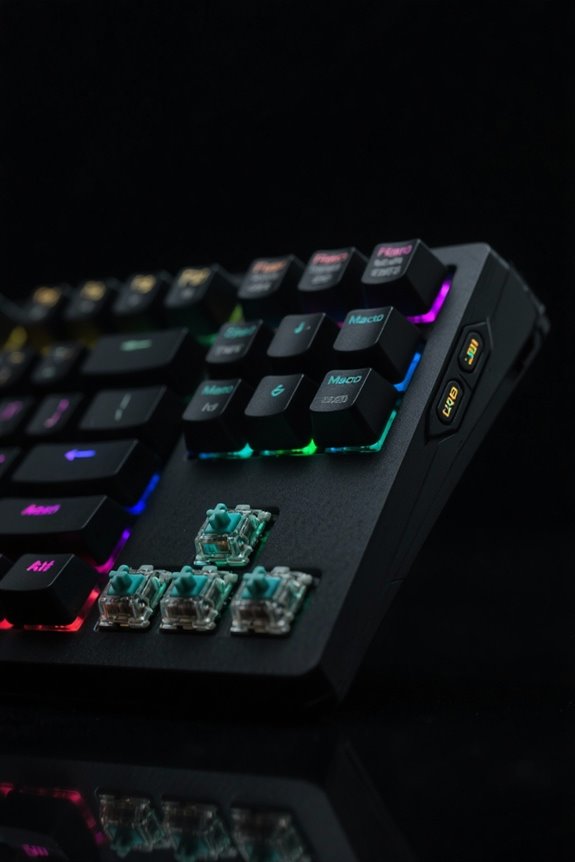
Utilizing macro keys consistently enhances workflow efficiency across various tasks. These programmable features allow users to perform complex actions with a single keystroke, greatly speeding up mundane processes, which ultimately saves time. In gaming, for instance, macro keys enable quick execution of multi-step actions, providing a competitive edge by allowing players to react swiftly in high-pressure scenarios. Users can personalize macro keys to meet their unique needs, offering easy access to frequently used commands tailored to individual workflows or gaming preferences. In addition, the ability to store macros directly on keyboards guarantees offline access, eliminating dependency on additional software. As a result, macro keys facilitate multitasking and bolster overall productivity for both professional and gaming environments. Modern keyboards like the Aula WIN60 HE deliver exceptional response times of 0.02mm trigger distance, making macro execution nearly instantaneous.
How Macro Keys Improve Efficiency
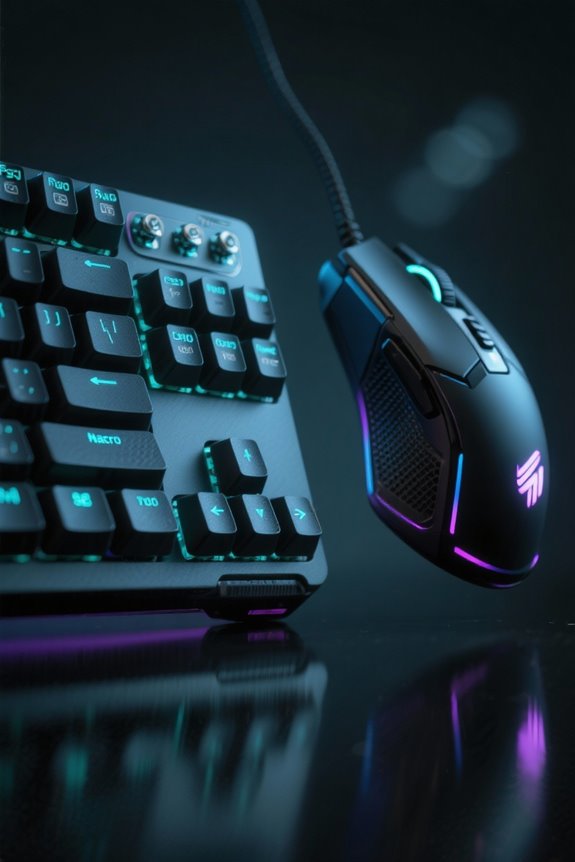
Macro keys dramatically transform the efficiency of computer interactions, allowing users to execute complex sequences of commands with a single keystroke. By automating repetitive tasks such as launching applications or inputting frequent phrases, these keys can dramatically improve efficiency in various settings. For instance, a gaming keyboard with programmable macro keys can enhance gameplay by enabling swift access to abilities, which is essential for competitive performance. In professional environments, automation through macro keys can reduce manual entry errors in data tasks, thereby freeing up valuable time for critical activities. This streamlined approach empowers users to customize setups based on individual workflows, ultimately leading to increased productivity and a more effective computing experience. Similar to how sound absorption performance is crucial for acoustic control in studios, macro keys are essential for optimizing workflow efficiency in professional computing environments.
Recording and Customizing Macros
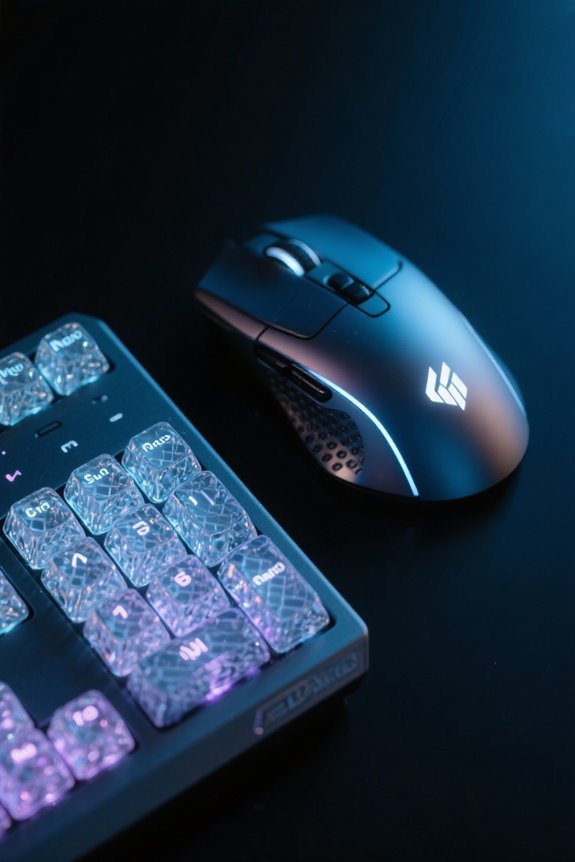
Efficiency in recording and customizing macros depends heavily on the tools and software available to users. Programmable macro keys can record multi-step commands, allowing for complex actions executed via a single keystroke. Most keyboards, such as the Razer BlackWidow V3, utilize user-friendly software for recording and editing macros efficiently. Customizing these macros involves assigning them to specific keys according to individual workflows. In addition, some models support keyboard layers, enabling further action differentiation without adding physical keys. High-quality options allow saving macros directly on the device, ensuring accessibility across various computers without additional software. This multifaceted approach enhances user interaction, ultimately driving productivity. Don’t get me wrong; knowing how to leverage these features can truly transform your experience. Modern gaming mice like the Acer Wired Gaming Mouse offer eight programmable buttons for extensive macro customization in both FPS and MOBA gaming environments.
Applications of Macro Keys in Gaming
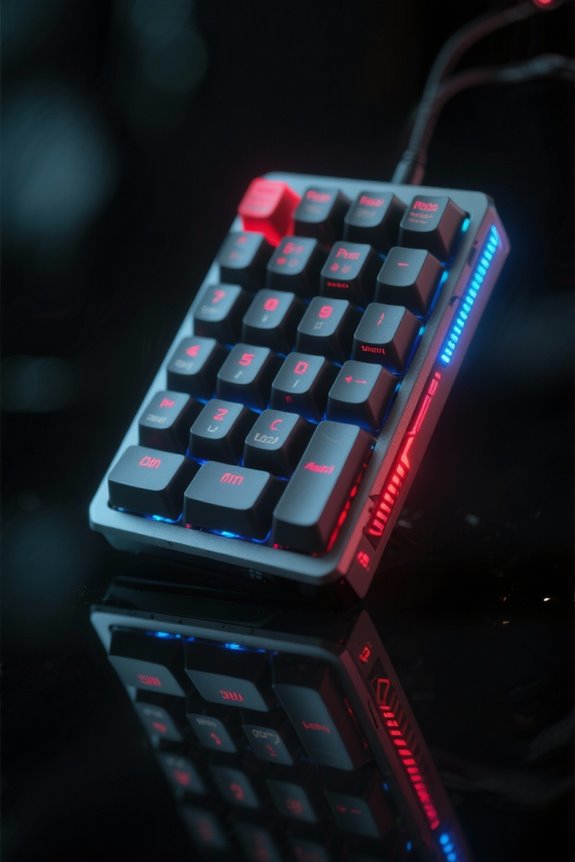
In the domain of competitive gaming, programmable macro keys serve as essential tools that streamline player actions and enhance overall performance. These macro keys allow gamers to consolidate complex commands into a single keystroke, critical for quick reaction times. For instance, players can execute intricate combos in fighting games or cast multiple spells rapidly in RPGs, dramatically improving the gaming experience. The automation of repetitive tasks also helps players maintain focus during intense matches, preventing distractions from manual inputs. High-end gaming mice, featuring additional programmable buttons, support rapid access to essential in-game commands, further enhancing efficiency. Effectively utilizing macro keys can provide players a significant competitive advantage, allowing them to perform complex sequences effortlessly in fast-paced esports environments. Modern MMO mice like the EVGA X15 offer up to 70 million click lifespan through their Light Strike LK Optical switches, ensuring consistent macro performance during extended gaming sessions.
Practical Uses in Professional Settings
Tools used in professional environments increasingly incorporate programmable macro keys, which adapt seamlessly from their gaming applications to workplace tasks. Macro keys can automate repetitive activities, such as inserting standard text snippets or executing complex multi-step commands, thereby considerably reducing time spent on mundane tasks. In fast-paced professional settings, these features streamline workflows by allowing users to swiftly access essential tools and software. For instance, data entry professionals benefit from increased accuracy by minimizing human error through automated inputs. Additionally, using macro keys reduces the risk of strain injuries associated with continuous manual entry, contributing to safer ergonomic practices. By enhancing multitasking capabilities, these keys can transform how professionals engage with their technology. Modern keyboards like the EPOMAKER offer 80 programmable keys for extensive customization potential in professional applications.
Community Perspectives on Macro Usage
How do users perceive the balance between the advantages of macro keys and the ethical considerations they invoke? In community forums, many emphasize the efficiency gained from assigning macros to specific keys to execute complex actions swiftly. However, this efficiency comes with concerns about a competitive edge. Gamers express apprehension over potential bans in competitive settings, citing that unfair advantages could diminish the integrity of gameplay. Discussions often lead to a request for clearer guidelines on macro use within defined rules, ensuring transparency. Users also propose alternatives, such as text expansion tools or clipboard managers, to manage repetitive tasks without the baggage and potential ethical dilemmas associated with macros, fostering fair competition and productivity concurrently. Some users specifically cite the DTS Headphone:X technology as a legitimate competitive advantage that doesn’t compromise fair play, unlike certain macro configurations.
Choosing the Right Keyboard for Macro Functionality
Choosing the right keyboard for macro functionality can greatly enhance both gaming performance and productivity. Users should look for keyboards with fully programmable keys, which allow each key to be customized for specific actions. High-quality gaming keyboards, like the Corsair K95 RGB, offer durability and responsiveness, ideal for extended use. Onboard programming capabilities enable you to create and store macros directly on the device, eliminating reliance on external software. Consider models that support multiple layers, providing additional macro functionality by enabling different actions on the same key. Compatibility with your operating system is essential; some keyboards come pre-configured for Windows, Mac, or Linux, ensuring seamless macro function implementation across various platforms. Similar to magnetic charging cables, a durable nylon construction helps protect the keyboard’s internal components and ensures longevity through extensive daily use.
Best Practices for Programming Macros
Programming macros effectively can greatly enhance user efficiency, ensuring that actions are executed smoothly and accurately. To program macros, precision is essential; even minor keystroke errors can disrupt your workflow. Utilize your keyboard manufacturer’s macro editor software, such as Steelseries Engine 3, to create shortcuts efficiently and manage macros. Incorporating delays between commands can expand their versatility, preventing overlapping inputs and ensuring well-timed execution. Remember to evaluate the legality of macro usage in specific applications or games, as some environments may impose restrictions. Regularly review and refine your macros in response to shifts in your workflow, ensuring they remain effective and aligned with your current needs for enhanced productivity and seamless operations. Modern gaming mice like the Razer Basilisk V3 offer 11 programmable buttons for quick access to your most frequently used macro commands.
Frequently Asked Questions
What Do Macro Keys on a Keyboard Do?
Macro keys on a keyboard release remarkable potential, offering gaming advantages through swift maneuvering and productivity boosts by automating tasks. With software customization, users effortlessly tailor these keys to enhance their workflows and gaming experiences.
What Does a Macro Do on a Mouse?
A macro on a mouse enhances gaming mouse functionality by allowing users to automate complex actions with a single button. Custom mouse settings boost productivity enhancements, streamlining tasks and improving efficiency during gameplay or work routines.
What Are Programmable Keys on a Keyboard?
Programmable keys on a keyboard allow for custom keybindings, enhancing gaming advantages and improving productivity. They enable users to execute complex commands or actions effortlessly with a single keystroke, streamlining tasks and enhancing efficiency.
What Do Macro Buttons Do?
In the fast-paced world of technology, macro buttons streamline tasks by creating custom shortcuts, boosting productivity enhancement and refining gaming performance. These tools allow users to transform complex sequences into simple executions with ease.