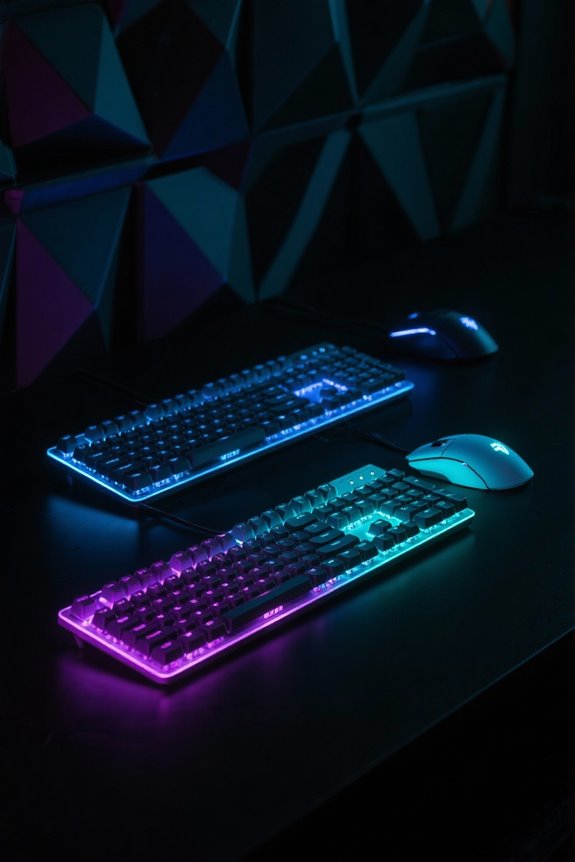
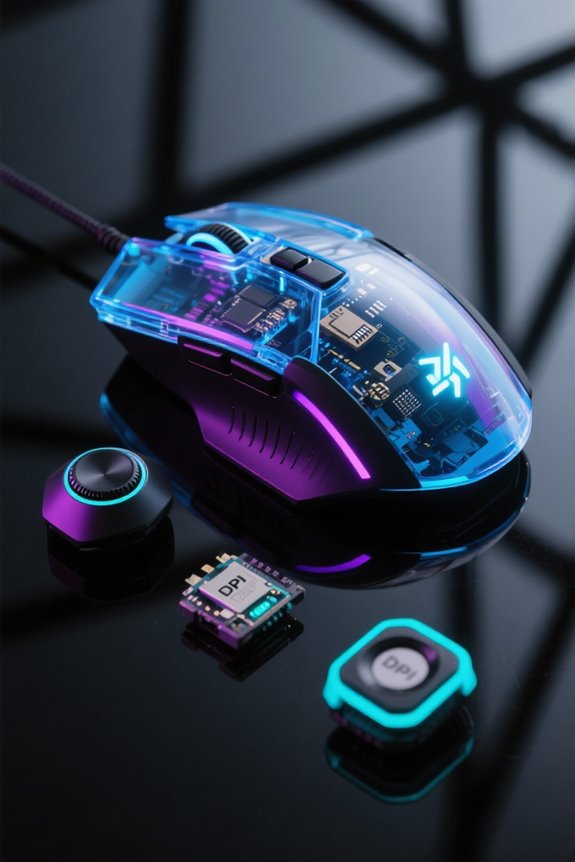
Mechanical and membrane keyboards differ substantially in switch mechanisms, influencing your typing experience. Mechanical keyboards feature individual switches that provide tactile feedback, lasting 50 to 100 million keystrokes, with models like the Corsair K70 priced between $100 and $200. In contrast, membrane keyboards have a lifespan of only 5 million keystrokes, typically costing $10 to $50. While mechanical options offer superior durability and customization, don’t get me wrong; membrane keyboards excel in portability and quiet operation. There’s much more to explore.
Key Takeaways
- Mechanical keyboards utilize individual switches, providing customizable tactile feedback that enhances typing speed and accuracy, ideal for gamers and heavy typists.
- Membrane keyboards have a rubber dome mechanism, resulting in a softer, mushy feel which can lead to increased typing fatigue and slower response times.
- The durability of mechanical keyboards(far exceeding 50 million keystrokes) ensures they last longer than membrane keyboards, typically limited to 5 million keystrokes.
- Customizable mechanical keyboards allow users to swap switches and keycaps, tailoring the typing experience to personal preferences, unlike the integrated design of membrane keyboards.
- Noise levels differ significantly; mechanical switches can be clicky or tactile, while membrane keyboards operate more quietly, making them suitable for noise-sensitive environments.
Understanding Mechanical Keyboards
Mechanical keyboards represent a significant evolution in typing technology, appealing particularly to gamers and avid typists alike. These keyboards utilize individual switches for each key, offering superior tactile feedback compared to the flat feel of membrane keyboards. Users can choose from various switch types, including tactile, linear, and clicky, which cater to different preferences and typing styles. Importantly, most mechanical switches boast a lifespan of 50 to 100 million keystrokes, far exceeding the 5 to 10 million keystrokes typical of membrane models. This durability, coupled with customizable features like swappable keycaps, enhances the user experience. Additionally, the ergonomic design of mechanical switches reduces finger fatigue, making them ideal for marathon gaming or typing sessions. The latest Cherry MX2A switches represent significant advancements in mechanical keyboard technology, offering improved performance and quieter operation for modern users.
The Mechanics of Membrane Keyboards

In contrast to mechanical keyboards, membrane keyboards utilize a different mechanism that relies on a layered design comprised of flexible materials. These keyboards feature two layers of flexible material, forming a dome structure where pressing a key collapses the domes to close an electrical circuit. Users often experience a softer key press that provides a “mushy” feel, distinct from the tactile feedback of mechanical switches. With a typical lifespan of around 5 million keystrokes, membrane keyboards fall short of their mechanical counterparts, which exceed 50 million. However, they excel in quiet operation, making them ideal for noise-sensitive environments. Customization is limited due to their integrated design, which complicates keycap and switch replacement—unlike mechanical models, where such modifications are common. While membrane keyboards lack the hot-swappable switches found in modern mechanical keyboards like the Redragon K630, they remain a popular choice for budget-conscious users.
Typing Feel: Mechanical Vs Membrane
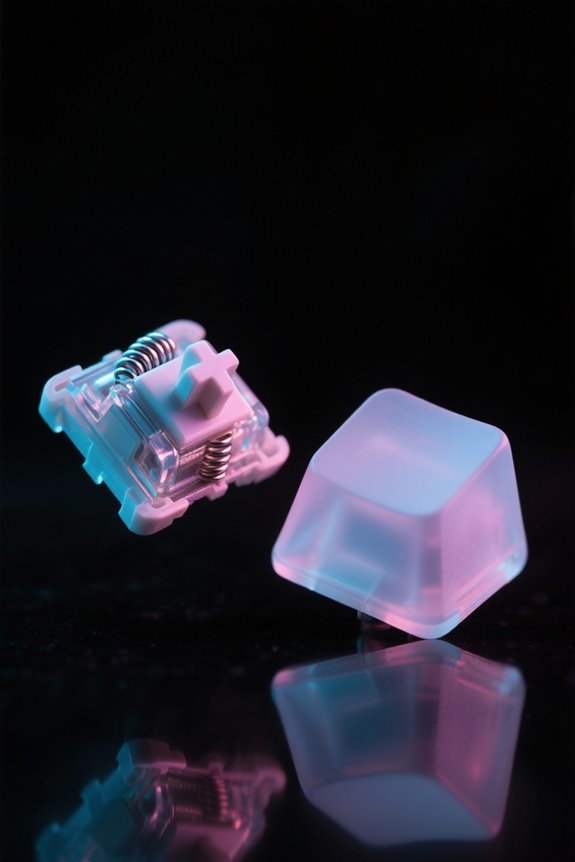
When considering typing feel, the distinctions between mechanical and membrane keyboards become immediately evident. Mechanical keyboards provide tactile feedback through various switch types—linear, clicky, and tactile—each designed to enhance the typing experience. Tactile switches help users identify actuation points, promoting faster typing speeds and higher accuracy, which contrasts sharply with the softer, “mushy” feel of membrane keyboards. The rubber dome mechanism in membrane keyboards often leads to increased typing fatigue, requiring more pressure to register a key press. In contrast, mechanical switches typically activate with less pressure after reaching the actuation point, reducing finger strain during long typing sessions. This responsiveness fosters improved muscle memory, making mechanical keyboards preferable for serious typists over their membrane counterparts. High-performance models like the CORSAIR K70 RGB PRO feature CHERRY MX Red switches that deliver ultra-responsive keystrokes at an 8000Hz polling rate for superior tactile feedback.
Sound Differences Between Keyboard Types

Sound plays an essential role in the keyboard experience, influencing not only user satisfaction but also the suitability of a keyboard for different environments. Mechanical keyboards are renowned for their distinctive click or clack sound, which varies with switch types; clicky switches are especially louder, while tactile and linear options offer quieter alternatives. Conversely, membrane keyboards function quietly, presenting a softer sound ideal for shared workspaces where noise reduction is vital. The sound from mechanical keyboards can enhance typing feedback, acting as auditory confirmation. With options featuring low-noise switches designed for silent operation, users can achieve effective performance without disturbing others, making it important to take sound characteristics into account when choosing a keyboard for specific settings. Modern keyboards like the EPOMAKER x Aula F75 incorporate sound-absorbing design features across five layers to minimize unwanted noise while maintaining tactile feedback.
Durability and Lifespan Comparisons

Despite their differences in construction and intended use, the durability and lifespan of keyboards vary greatly, making these factors essential for consumers when choosing between mechanical and membrane options. Mechanical keyboards typically last between 50 to 100 million keystrokes, offering a considerably greater lifespan compared to membrane keyboards, which endure around 5 to 10 million keystrokes. The individual mechanical switches are built for durability and can be replaced if they wear out, promoting extended use. In contrast, membrane keyboards often degrade quickly due to the single rubber layer, resulting in a shorter overall lifespan. While regular maintenance boosts mechanical keyboards’ durability, membrane models usually lack repair options, necessitating complete replacement once worn out. This durability difference is similar to how optical mouse switches in modern gaming mice can endure up to 90 million clicks, demonstrating the superiority of mechanical components in input devices.
Cost Considerations for Each Type
Cost considerations for each type of keyboard can considerably influence a consumer’s choice, as prices vary widely between mechanical and membrane options. Mechanical keyboards typically range from $50 to $200, depending on brand and features, while membrane keyboards are more affordable, usually costing between $10 and $50. Although mechanical keyboards often have a higher upfront cost, budget-friendly options start around $30 to $70. This higher price is justified by their individual switches, robust build quality, and longer lifespan, often outlasting membrane keyboards, which usually require replacement after a few years. Consequently, while initial expenses may be higher for mechanical keyboards, the durability they offer can result in better long-term value for consumers conscious of overall costs. Similar to how dual-layer foam padding enhances comfort in gaming chairs, mechanical keyboards provide superior tactile feedback that improves the overall typing experience.
Gaming Performance: Which Is Superior?
How does one determine the gaming superiority of mechanical versus membrane keyboards? Mechanical keyboards excel in gaming performance due to their responsive switches, enabling quicker actuation and precise inputs. With anti-ghosting capabilities, they manage multiple simultaneous key presses, vital for competitive play. Mechanical switches boast a durability of around 50 million keystrokes, starkly outperforming membrane keyboards, which generally last about 5 million keystrokes. This longevity guarantees reliability in intense gaming sessions. In addition, the tactile feedback from mechanical switches enhances reaction times, considerably benefiting players in fast-paced scenarios. While membrane keyboards may serve casual gamers, their slower response and lack of individual key actuation limit performance when stakes are high. Consequently, mechanical keyboards clearly dominate in gaming contexts. Similar to how low-latency wireless technology ensures real-time responsiveness in gaming mice, mechanical keyboards provide immediate tactile feedback for optimal gaming performance.
Customization Options for Keyboards
When considering customization options for keyboards, mechanical models often stand out due to their versatility and user-friendly design. Users can easily swap out keycaps for personalized styles, enhancing both aesthetics and functionality. Mechanical switches—ranging from tactile to clicky—cater to varying preferences for feedback and sound, allowing typists and gamers to tailor their experience. In contrast, membrane keyboards typically lack such options, as integrated keycaps make replacements scarce. Additionally, gamers can fine-tune their setups with custom switches that optimize key actuation force, ensuring peak performance. Aesthetic elements like RGB lighting and unique case designs further elevate the personalization of mechanical keyboards. These robust customization options truly make mechanical keyboards a favorite choice for those seeking individuality in their typing experience. Modern mechanical keyboards feature polling rates of 1000Hz to minimize input lag and ensure precise keystroke detection during intense gaming sessions.
Portability and Practical Use Cases
Portability can considerably impact the choice of a keyboard, particularly for individuals who travel frequently or work in diverse locations. Membrane keyboards, typically weighing around 1.5 pounds, are lightweight and flexible, making them an ideal choice for portable use. Their slim design allows for easy storage and transport in bags, with some models featuring scissor-switch mechanisms that enhance responsiveness. On the other hand, mechanical keyboards tend to be bulkier, averaging 3 to 4 pounds. However, they can connect seamlessly to laptops and tablets via USB or Bluetooth, appealing to mobile users. Regardless of choice, it’s crucial to remember that, despite their portability, neither type is waterproof. Consequently, careful handling near spills is highly advisable. Much like modern gaming mice offering dual-mode connectivity, keyboard users can benefit from both wireless and wired options to maximize portability and functionality.
Choosing the Right Keyboard for Your Needs
What factors should individuals consider when selecting the right keyboard for their needs? Potential buyers must weigh the advantages of mechanical keyboards versus membrane keyboards. Mechanical keyboards offer faster response times and long durability, surviving around 50 million keystrokes, making them a prime choice for gamers and heavy typists who seek an enhanced typing experience. In contrast, membrane keyboards, which typically last 5-10 million keystrokes, are lighter and quieter, therefore favoring casual users and those in shared environments. Additionally, users can customize the tactile feedback and noise levels of mechanical switches, allowing for a more personalized experience. Ultimately, it depends on individual priorities, whether they prioritize performance, price, portability, or sound levels, guiding their final decision effectively. Modern low-profile mechanical keyboards combine the tactile advantages of mechanical switches with a slim, workspace-friendly design that appeals to both gaming and professional users.
Frequently Asked Questions
Are Membrane or Mechanical Keyboards Better for Typing?
Mechanical keyboards are generally considered better for typing due to superior typing speed, enhanced user comfort, and satisfying key feedback. Their tactile switches encourage a more efficient typing experience and reduce fatigue during extended use.
What Are the Disadvantages of a Membrane Keyboard?
“Don’t judge a book by its cover,” as membrane keyboards may seem appealing but suffer from durability issues, offer a soft feel that lacks satisfaction, and can produce noise levels that disappoint serious typists seeking refinement.
Does a Mechanical Keyboard Improve Typing?
A mechanical keyboard can improve typing due to enhanced typing speed, ergonomic features, and superior tactile feedback. This combination fosters better muscle memory and overall typing proficiency, making it a popular choice for serious typists.
Can a Membrane Keyboard Change Switches?
A membrane keyboard cannot change switches, as its smooth, unified surface lacks individual mechanisms. This design contrasts sharply with mechanical keyboards’ tactile switches, which offer distinctive sounds and customizable experiences, enhancing user engagement with every keystroke.