Keyboard stabilizers, essential for larger keys like the spacebar and enter key, function by distributing keystroke force evenly across the keycap, thereby preventing wobbling and enhancing typing precision. High-quality models, such as Durock or GMK, provide superior acoustic performance, reducing rattles and ticking by utilizing advanced materials and proper lubrication. Subpar options may lead to annoying noise issues, affecting your typing experience. To grasp the intricate details of installation and maintenance, explore further insights on this topic.
Key Takeaways
- Stabilizers distribute keystroke force evenly, ensuring smooth and precise action for larger keys like spacebar and enter key.
- High-quality stabilizers minimize wobbling and accidental presses, enhancing typing accuracy and satisfaction.
- Poor stabilizers can create rattling noises due to metal wire collisions with housing, affecting overall sound quality.
- Proper lubrication reduces noise and improves the acoustic performance of stabilizers, while innovative designs can further minimize sound issues.
- Installation techniques and material choices directly influence both the stability and sound characteristics of the keyboard’s performance.
Understanding the Role of Stabilizers in Mechanical Keyboards
Stabilizers play an essential role in the functionality of mechanical keyboards, particularly for larger keys like the spacebar, enter key, and shift key, which can often feel unresponsive or unstable without them. They consist of a metal wire and movable stems or hooks that distribute the keystroke force evenly across the keycap. This design enhances the typing experience, making it smoother and more precise. Different types of stabilizers, including screw-in, clip-in, and plate-mounted options, each produce unique noise and rattle characteristics. Proper lubrication is vital, as it reduces friction and prolongs the stabilizers’ lifespan. High-quality stabilizers, like those from Durock or GMK, can drastically improve performance compared to cheaper alternatives, ensuring a satisfying, accurate typing feel. Premium keyboards like the CORSAIR K70 RGB PRO feature high-end stabilizers that complement their CHERRY MX switches for optimal gaming performance.
How Stabilizers Function to Prevent Wobbling
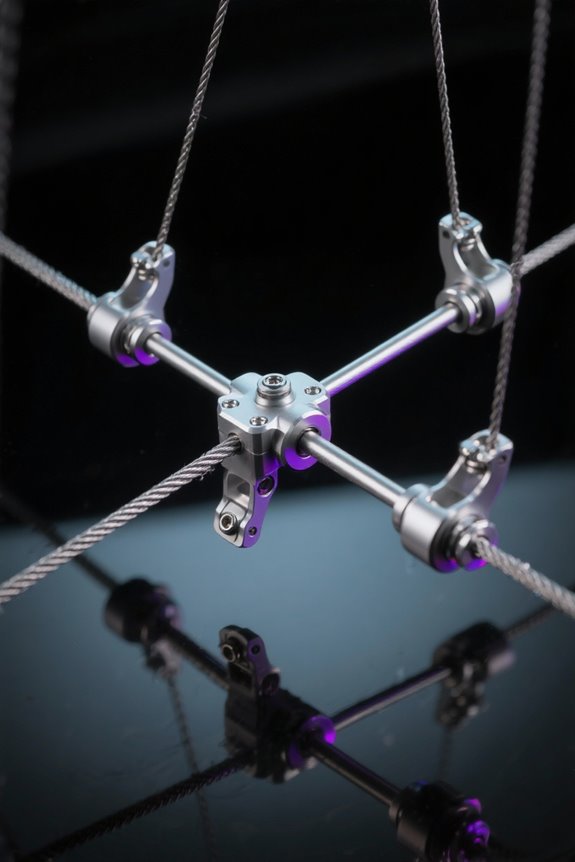
In mechanical keyboard design, preventing wobbling is a key factor that enhances user experience, particularly with larger keys such as the spacebar and enter key. Stabilizers make it possible for these stabilized keys to distribute pressure evenly, thanks to a core mechanism involving a metal wire that connects the sides of the keycap to slider components. This design reduces see-sawing, ensuring smooth keystrokes and minimizing accidental presses—a vital concern for mechanical keyboard enthusiasts. High-quality stabilizers, meticulously engineered to eliminate misalignment, offer superior accuracy and smoother actuation compared to their inferior counterparts. Proper installation matters greatly; it allows for a more precise typing experience, ultimately impacting efficiency and overall user satisfaction. Similar to how non-slip features in desk mats enhance stability and prevent unwanted movement, quality stabilizers ensure consistent key performance during extended typing sessions.
Types of Stabilizers: Plate Mounted vs. Screw-In
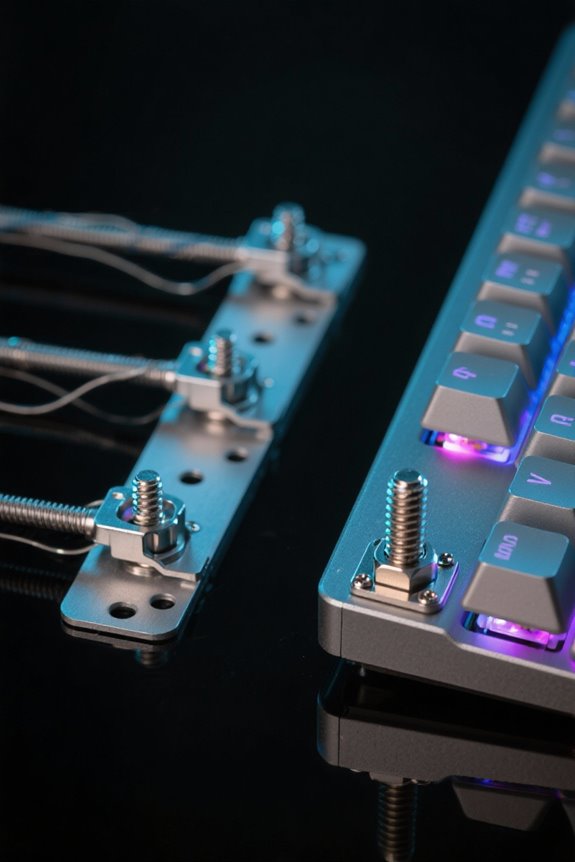
When considering keyboard stabilizers, it’s essential to recognize the fundamental differences between plate-mounted and screw-in types, as each offers distinct advantages and disadvantages suited to various user preferences. Plate-mounted stabilizers, often easier to install, attach directly to the keyboard plate but can create increased noise and instability, particularly when paired with mechanical keyboard switches. Conversely, screw-in stabilizers provide a more secure fit to the PCB through fastening screws, minimizing rattling and enhancing the typing experience. While clip-in stabilizers, a category of plate-mounted options, offer ease of replacement, they generally sacrifice stability. Costar stabilizers, known for their unique hook mechanism, combine durability and compatibility in both plate-mounted and clip-in designs, appealing to a broad range of keyboard enthusiasts. Similar to how heavy duty brackets can support up to 160 pounds of weight, quality keyboard stabilizers provide essential support for larger keys while maintaining structural integrity.
The Importance of Quality Stabilizers for Acoustic Performance

Quality keyboard stabilizers play a pivotal role in shaping the acoustic landscape of mechanical keyboards, markedly affecting the overall typing experience. High-quality stabilizers, particularly those made from polyketone thermoplastics, offer superior acoustic performance by minimizing vibrations and unwanted noise. Installation and tuning techniques—such as proper lubrication and the selection of screw-in stabilizers—can further enhance sound quality. These options generally provide a more secure fit, markedly reducing noise levels. Remember, subpar stabilizers can lead to annoying rattles, especially when the stabilizer wire strikes plastic components. Emphasizing this, incorporating sound dampening materials also contributes to a quieter experience. Investing in quality stabilizers elevates not just acoustics but also enhances the overall feel of your mechanical keyboard. Similar to acoustic diffuser panels, stabilizers help control and optimize sound waves to create a more balanced audio environment.
Common Noise Issues: Rattle and Ticking Explained
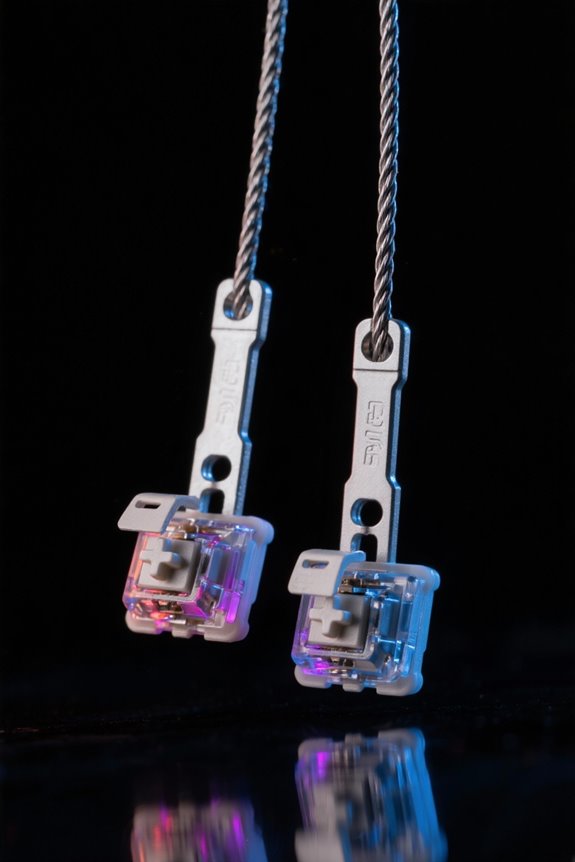
Noise issues in mechanical keyboards often manifest as rattle and ticking, which can disrupt an otherwise pleasant typing experience. Rattle typically arises when the stabilizer‘s metal wire collides with the internal plastic surfaces of stabilizer housings, generating distracting feedback during keystrokes. Conversely, ticking occurs when the slider or wire shifts against the housing, often intensified by loose tolerances and inadequate lubrication. Loose fits in stabilizers, while aiding smooth key movement, can lead to these noise issues, highlighting a significant balance in design. Many existing stabilizer models prioritize usability over silence, with loose constructions that may produce more noise, creating challenges for those seeking a quieter typing experience. Understanding these factors is key to enhancing acoustic performance.
Engineering Challenges in Stabilizer Design
Stabilizer design involves traversing a complex landscape of engineering challenges that directly impact the typing experience. Engineers face the task of reconciling contradictory requirements, as small gaps can limit stabilizer movement, creating unwanted noise, while larger gaps may prevent binding but exacerbate sound issues. Achieving the right balance between tightness and looseness is fundamental; tight fits minimize noise but risk binding, whereas looser fits improve usability at the potential cost of rattle. Material experimentation remains essential, as choices influence acoustic dampening and drag resistance. Collaborations between mechanical and acoustics engineers help address critical issues related to bearing and binding ratios, ultimately advancing stabilizer functionality. Such precise engineering solutions are imperative for delivering an exceptional typing experience with minimal noise interference. Similar to how high carbon alloy materials enhance stability in PS5 stands, keyboard stabilizer engineers must carefully select durable materials that maintain consistent performance over time.
Tuning Stabilizers for Optimal Performance
Achieving ideal performance in keyboard stabilizers demands an intricate balance of techniques and careful tuning. Tuning stabilizers involves applying lubricants like Krytox 205g0, which effectively minimize friction and noise during key presses. This enhances overall smoothness and the acoustic properties of the keyboard. However, lubrication must be applied sparingly to avoid excess that can lead to drag. Regular maintenance, including cleanings and alignment checks every 3-6 months, is essential for best performance. Additionally, techniques such as the Band-Aid Mod can dampen sound considerably, improving the stabilizers’ acoustic properties. Documenting tuning parameters facilitates replicating successful configurations. Don’t get me wrong; consistent effort in tuning stabilizers leads to a more satisfying typing experience with minimal noise. Similar to how response times in gaming monitors affect performance, proper stabilizer tuning directly impacts typing precision and speed.
Innovative Solutions for Stabilizer Noise Reduction
Enhancing the typing experience often hinges on minimizing unwanted sounds generated by keyboard components. Innovative solutions for stabilizer noise reduction include designs like the Swagkeys Knight stabilizers, featuring mirror-imaged housings to prevent wire popping. Premium models, such as Zeal V2, utilize advanced materials and mounting hardware to improve fit and minimize noise. The Typeforce stabilizers introduce hooked wires, increasing stability and reducing rattle for quieter keystrokes. Rubber overmolding dampens vibrations, further lowering overall noise levels. Additionally, employing accessories like washers, shims, and landing pads allows enthusiasts to customize their stabilizers, tailoring their custom keyboard acoustics. Collectively, these innovations markedly enhance the overall typing experience. Similar to how PRO-G drivers minimize audio distortion in gaming headsets, these stabilizer solutions work to eliminate unwanted keyboard noise.
The Impact of Material Choice on Stabilizer Function
Material choice plays an essential role in determining the performance and sound characteristics of keyboard stabilizers. Certain materials, such as softer compounds, can greatly enhance acoustic properties by providing better sound dampening; conversely, harder materials may create sharper noises during use. For instance, polyketone thermoplastics, noted for their durability, are prominent in high-end stabilizer designs, elevating performance while minimizing sound. Additionally, rubber overmolding technology mitigates rattle and ticking by absorbing vibrations, improving typing comfort. However, it’s important to note that some acoustic dampening materials can introduce drag and abrasion issues, affecting key movement smoothness. The ideal design balances these factors, ensuring sound quality and efficient key feel coexist harmoniously. Ultimately, material choice shapes the stabilizer experience profoundly. Much like high refresh rates in gaming monitors enhance visual smoothness, quality stabilizer materials improve the overall typing experience through reduced friction and better sound dampening.
Installation Tips for Enhancing Stabilizer Performance
Proper installation of keyboard stabilizers is vital for achieving ideal performance and reliability. First, verify that the stabilizers are securely attached to the PCB and evenly aligned with the key switch to prevent wobbling, which can disrupt smooth key presses. An important installation tip is to apply lubrication, such as Krytox 205g0, as it greatly reduces noise and enhances the tactile feel of the stabilizer. Additionally, consider incorporating modifications like the Band-Aid Mod, where fabric strips are placed under the stabilizers to further dampen sound. Finally, always opt for compatible stabilizers tailored for your keyboard layout—screw-in or clip-in—which provide a more secure fit and lower noise levels compared to poorly fitting alternatives. The hot-swappable switches found in keyboards like the Redragon K630 Dragonborn make stabilizer maintenance and modifications more accessible.
Best Practices for Maintaining Stabilizers and Ensuring Longevity
Maintaining keyboard stabilizers is essential for ensuring their longevity and peak performance over time. Stabilizers need regular inspection and lubrication every 3-6 months, ideally using Krytox 205G0, to achieve smooth operation and reduced noise levels. Employing the Band-Aid Mod can further dampen sound—this technique involves placing fabric strips under the stabilizers. For longer keys, like the spacebar, maintaining proper alignment during installation is critical, as it prevents binding and promotes optimal efficiency. When removing keycaps, a keycap puller is recommended to avoid damaging the stabilizers. Finally, documenting tuning parameters and lubrication methods aids in replicating successful enhancements, ensuring that keyboard stabilizers remain effective and reliable for future use. Much like ultra-low latency performance is crucial for capture cards, proper stabilizer maintenance directly impacts the speed and responsiveness of keyboard inputs.
Frequently Asked Questions
How Do Keyboard Stabilizers Work?
In the age of steam engines, keyboard stabilizers functioned by employing various materials and types to enhance key stability. Proper installation was essential, ensuring consistent performance and mitigating unwanted sounds during typing.
What Are the Things That Affect Keyboard Sound?
Various factors influence keyboard sound, including the key switch type, which affects actuation noise, the dampening material used in construction to absorb sound, and the keyboard layout, which can impact the overall acoustic profile.
How to Make Keyboard Stabilizers Less Rattly?
To reduce rattliness in stabilizers, one could explore various stabilizer lube options, combine stabilizer modding techniques like the Band-Aid Mod, and guarantee effective stabilizer mounting methods, creating a markedly enhanced typing experience free from annoying vibrations.
Does Keyboard Base Affect Sound?
The keyboard base considerably affects sound, as the keyboard material impacts resonance, while case design influences vibrations. Effective damping techniques can mitigate sound clarity, highlighting the importance of base characteristics in overall acoustic performance.