


Refresh rates considerably impact visual clarity and smoothness in gaming and media. A 60Hz monitor refreshes 60 times per second, leading to noticeable motion blur, especially in fast-paced action. In contrast, a 144Hz display refreshes 144 times per second, reducing input lag to approximately 6.94 milliseconds and enhancing responsiveness. At 240Hz, input lag drops further to around 4.17 milliseconds, providing even sharper motion clarity. Understanding these differences can greatly enhance your viewing experience—stick around for more insights.
Key Takeaways
- A 60Hz refresh rate results in noticeable motion blur during fast-paced actions, impacting overall visual quality.
- Upgrading to 144Hz significantly reduces input lag from 16.67 ms to 6.94 ms, enhancing responsiveness in gaming.
- A 240Hz monitor improves motion clarity even further, reducing input lag to approximately 4.17 ms, but with diminishing returns in perception.
- The transition from 60Hz to 144Hz provides a more dramatic improvement than from 144Hz to 240Hz in gaming experiences.
- Technologies like G-Sync and FreeSync optimize refresh rates with GPU output, reducing screen tearing and enhancing smoothness across all refresh rates.
Understanding Refresh Rates
Understanding refresh rates is essential for anyone looking to optimize their viewing experience, especially in the context of gaming or fast-paced video content. The refresh rate, measured in Hertz (Hz), indicates how often a monitor updates its image per second. A 60Hz display refreshes 60 times per second, translating to approximately 16.67 milliseconds of input lag, while a 144Hz monitor greatly reduces this to about 6.94 milliseconds. This shift considerably improves responsiveness and minimizes motion blur, pivotal in competitive gaming. Moving to 240Hz enhances fluid motion further, but it’s important to note the diminishing returns—players may not perceive substantial benefits as refresh rates increase past 144Hz. Hence, a higher refresh rate can provide a tactical advantage in fast-paced environments. Modern gaming monitors like the ASUS ROG Strix XG259QNG-W now feature Extreme Low Motion Blur technology to further reduce ghosting and enhance visual clarity during intense gaming sessions.
Comparing Refresh Rates: 60Hz, 144Hz, and 240Hz

When comparing refresh rates, the differences between 60Hz, 144Hz, and 240Hz can greatly impact the viewing experience, particularly in gaming scenarios. A 60Hz refresh rate updates the image 60 times per second, which can lead to noticeable motion blur during fast-paced action. In contrast, a 144Hz monitor refreshes at 144 times per second, markedly reducing input lag and improving visual performance, allowing players to react quicker. A leap to 240Hz offers even sharper motion clarity, ideal for high-speed gaming. While gamers often find the jump from 60Hz to 144Hz more impactful, enhancements from 144Hz to 240Hz show diminishing returns. Technologies like G-Sync and FreeSync further optimize these refresh rates, reducing screen tearing and enhancing overall experience. Competitive gamers particularly benefit from high refresh rates above 165Hz, which provide distinct advantages in fast-paced gaming scenarios.
The Impact of Refresh Rates on Gaming Performance
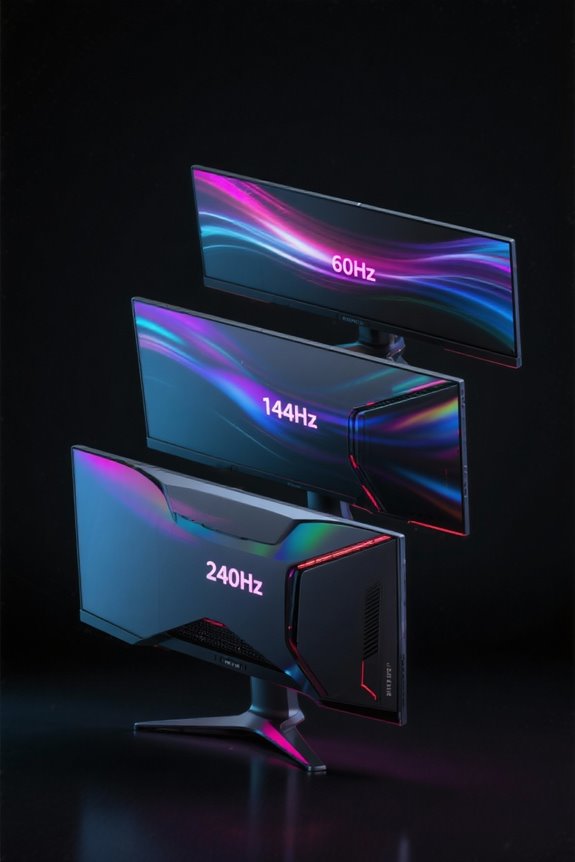
Higher refresh rates markedly influence gaming performance, offering players a tangible edge in competitive scenarios. Shifting from a 60Hz monitor to a 144Hz model reduces input lag considerably from 16.67 ms to 6.94 ms, enhancing responsiveness vital in first-person shooters. Upgrading to 240Hz further cuts input lag to approximately 4.17 ms, providing a more fluid experience. Additionally, high refresh rates minimize screen tearing and motion blur, especially beneficial in fast-paced titles. Utilizing technologies like G-SYNC or FreeSync in tandem with 144Hz or 240Hz monitors synchronizes the display’s refresh rate with the GPU’s output, thereby reducing stutter and optimizing gaming performance. Ultimately, these improvements can be the difference between victory and defeat in competitive environments. Modern gaming monitors like the ASUS TUF Gaming VG277Q1A combine high refresh rates with advanced features like Shadow Boost technology to enhance visibility in dark scenes.
How Refresh Rates Affect Visual Smoothness
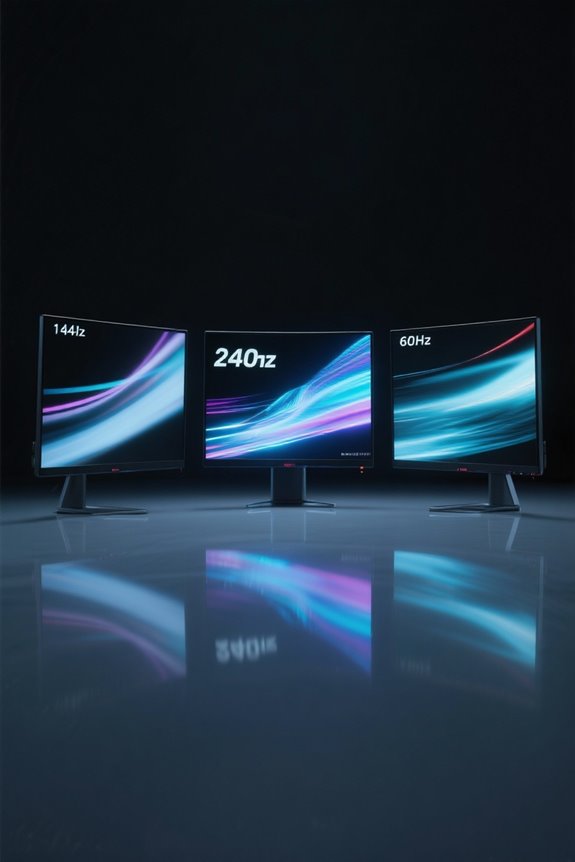
Visual smoothness is fundamentally influenced by the refresh rate of a monitor, a factor often overlooked by casual viewers but critically important for gamers and content creators alike. A 60Hz refresh rate results in 60 display updates per second, leading to noticeable motion blur and a less satisfying visual experience during rapid scenes. Upgrading to high refresh rate monitors, such as 144Hz, reduces this motion blur considerably, providing smoother animations and clearer frame rates. With a 240Hz display, the visual smoothness reaches new heights, effectively decreasing motion artifacts and enhancing clarity, especially in fast-paced gaming scenarios. Consequently, the perceived difference between refresh rates becomes markedly prominent, as increased refresh rates offer enhanced gaming performance and overall viewing comfort. Modern gaming monitors like the ASUS ROG Strix now push boundaries with refresh rates up to 380Hz, delivering unprecedented levels of motion clarity.
Synchronization Technologies: G-Sync and FreeSync

A crucial advancement in modern gaming, synchronization technologies like G-Sync and FreeSync have transformed how players experience graphics on their monitors. G-Sync, developed by NVIDIA, adjusts the refresh rate of compatible gaming monitors to match the frame rate output of NVIDIA GPUs, effectively reducing screen tearing and minimizing input lag. On the other hand, FreeSync, created by AMD, synchronizes the refresh rate of FreeSync-compatible monitors with AMD GPU output, promoting smoother gameplay and reducing stuttering. Both technologies leverage variable refresh rate (VRR) capabilities to maintain fluid motion, particularly in action-packed sequences. While G-Sync monitors often carry a price premium, FreeSync options are generally more affordable, making adaptive sync technologies increasingly accessible to all gamers, enhancing their overall experience. For optimal gaming performance, these sync technologies pair well with low latency headsets that deliver response times under 20ms, ensuring both visual and audio synchronization remain consistently smooth.
Choosing the Right Refresh Rate for Your Needs
How does one determine the ideal refresh rate for their specific needs? For casual users, a refresh rate of 60Hz is typically sufficient for tasks like web browsing and document work. However, gamers playing fast-paced genres will find that a 144Hz monitor drastically reduces input lag—from 16.67 milliseconds at 60Hz to about 6.94 milliseconds—enhancing gameplay. Shifting to 240Hz can further improve clarity and reduce motion blur, although the improvement might not be noticeable for everyone. If hardware limits frame rates, prioritizing a solid 144Hz is advisable. Also, consider monitors featuring G-Sync or FreeSync, which optimize performance by synchronizing frame output with refresh rates, ensuring a smoother gaming experience across all situations. Similar to how LED indicators help users monitor charging status on PS5 controller docks, many gaming monitors feature visual cues to confirm when adaptive sync technologies are active.
Frequently Asked Questions
Is the Difference Between 60HZ and 240HZ Noticeable?
The difference between 60Hz and 240Hz is noticeable, considerably enhancing gaming experience through improved motion clarity and visual smoothness. It reduces input lag, offering a competitive edge while diminishing eye strain with advanced display technology and performance benchmarks.
Is 144HZ Vs 240HZ Noticeable?
The shift from 144Hz to 240Hz can improve gaming performance with up to a 5% reduction in input lag. This enhancement aids in responsiveness improvement, motion clarity, and visual smoothness, offering a subtle competitive advantage.
Is the Difference Between 60HZ and 144HZ Noticeable?
The difference between 60Hz and 144Hz is noticeable, enhancing the gaming experience through improved motion clarity, visual smoothness, and video quality. Gamers often appreciate this competitive edge, reducing eye strain and aligning with display technology advancements and user preference.
Is 144HZ to 200HZ Noticeable?
The shift from 144Hz to 200Hz offers minimal noticeable improvements in gaming experience, as differences in motion clarity, visual smoothness, and input lag largely depend on user preference and consistent frame rates, impacting competitive advantage marginally.


