

Screen tearing occurs when the GPU output and monitor refresh rate desynchronize, resulting in disjointed visuals, especially in fast-paced games like Skyrim. V-Sync caps frame rates to the monitor’s refresh rate to eliminate tearing but may introduce input lag. Technologies like NVIDIA’s G-Sync and AMD’s FreeSync enable adaptive sync between GPU and monitor for smoother gameplay, minimizing interruptions without sacrificing responsiveness. To understand how these solutions vary in performance and specifications, exploring further will provide key insights.
Key Takeaways
- Screen tearing occurs when GPU output and monitor refresh rates are out of sync, resulting in visible disruptions during fast-action sequences.
- V-Sync prevents tearing by capping frame rates to match the monitor’s refresh rate, but can introduce input lag if frame rates drop significantly.
- G-Sync synchronizes refresh rates with GPU output, eliminating screen tearing and reducing stuttering within a specific frame rate range but requires proprietary hardware.
- FreeSync utilizes the VESA Adaptive Sync standard to reduce tearing without licensing fees, supporting HDR and low framerate compensation for enhanced visuals.
- Technologies like Fast Sync and Enhanced Sync minimize input lag while allowing frame rates to exceed monitor refresh rates, optimizing rendering performance.
Understanding Screen Tearing
While many gamers may not realize it, screen tearing can greatly impact the visual experience during gameplay. This issue occurs when the graphics processing unit (GPU) and the monitor’s refresh rate fall out of sync, often resulting in a noticeable horizontal split during fast action sequences. For instance, the Asus VS247H-P monitor offers a refresh rate that fluctuates between 55-75 Hz, which means that when frame rates soar into the low 100s, the likelihood of tearing appreciably increases. Higher frame rates can especially exacerbate this problem in graphics-intensive games like Skyrim and Doom. To eliminate tearing, gamers can enable technologies such as Vsync or variable refresh rate (VRR), which effectively synchronize the frame output with the monitor’s refresh cycle, providing a smoother gameplay experience. Modern gaming monitors like the ASUS ROG Strix 25 feature 380 Hz refresh rates to minimize screen tearing and deliver exceptionally fluid motion during intense gaming sessions.
The Role of V-Sync
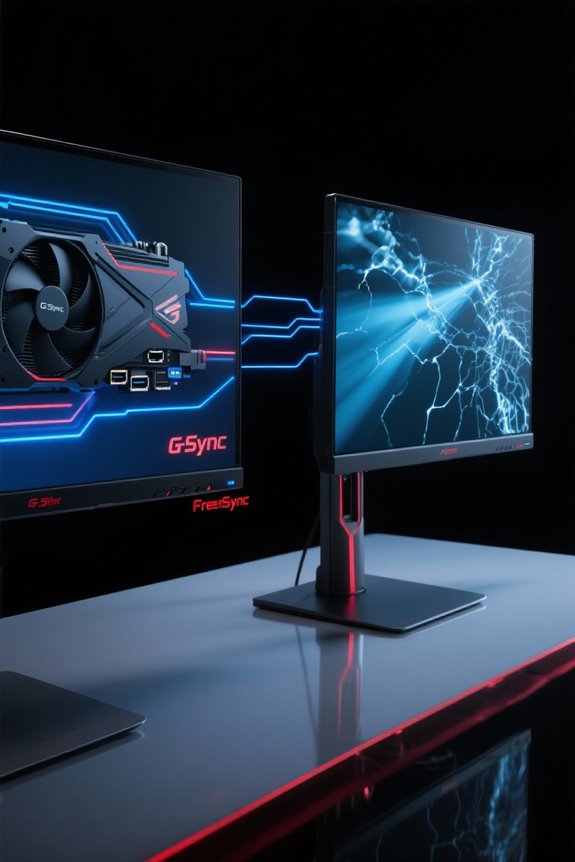
V-Sync, or Vertical Synchronization, serves as a pivotal technology in addressing screen tearing, which occurs when the GPU’s frame rate output does not align with the monitor’s refresh rate. By capping the frame rate to match the monitor’s maximum refresh rate, V-Sync prevents frames from displaying until the monitor is ready to refresh. However, if the frame rate drops below this threshold, you might experience significant input lag and stuttering, impacting gaming performance. While Adaptive Sync offers a smoother experience by dynamically toggling V-Sync based on frame rates, traditional V-Sync can become less effective at higher refresh rates. Gamers should consider their graphics card’s performance capabilities as they assess V-Sync’s role in enhancing visual fluidity while minimizing drawbacks. Modern gaming monitors like the Sceptre 24.5-inch offer AMD FreeSync Premium technology as a more sophisticated alternative to traditional V-Sync for tear-free gaming visuals.
Exploring NVIDIA Adaptive V-Sync
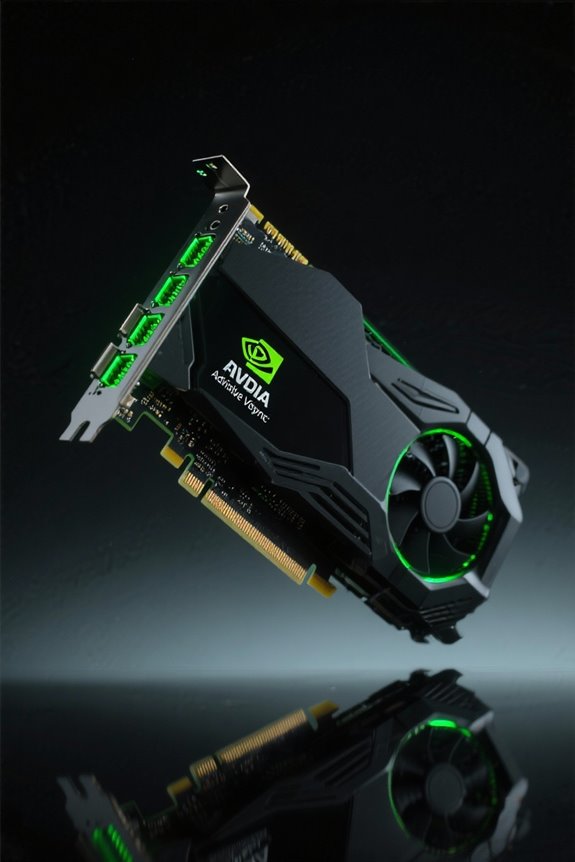
With the increasing demands of modern gaming, understanding NVIDIA Adaptive V-Sync becomes essential for those seeking to enhance their visual experience. This technology intelligently adjusts V-Sync activation based on frame rates, enabling it when performance exceeds the monitor refresh rate and disabling it during drops. Such a process reduces stuttering, allowing for smoother gameplay without the delays typical of traditional V-Sync. While it effectively minimizes screen tearing—especially during graphically intensive moments—it may still encounter some tearing during rapid frame drops. Users can easily toggle NVIDIA Adaptive V-Sync through the NVIDIA Control Panel, tailoring their gaming visuals according to hardware capabilities while enjoying a notable reduction in input lag, enhancing overall visual performance during fluctuating scenarios. Modern gaming monitors with FreeSync Premium technology provide an alternative solution for adaptive sync capabilities, particularly effective for competitive gameplay with response times as low as 1ms.
Fast Sync and Enhanced Sync Explained
In the domain of modern gaming, where performance metrics can dramatically influence gameplay, Fast Sync and Enhanced Sync emerge as innovative solutions for addressing screen tearing while enhancing visual fluidity. Fast Sync, developed by NVIDIA, enables smoother gameplay by allowing the GPU to outpace the monitor’s refresh rate without imposing frame rate limitations, thereby reducing input lag compared to traditional V-Sync. On the other hand, Enhanced Sync from AMD achieves similar results for Radeon users, mitigating tearing and minimalizing input lag. Both technologies optimize frame rendering by using only the most recently completed frame, vital in high refresh rate scenarios. Fast Sync pairs effectively with G-Sync for superior performance, while Enhanced Sync offers improved efficiency across varying refresh rates, making gameplay noticeably smoother. Much like ergonomic book stands that reduce physical strain during reading, these sync technologies minimize visual strain during extended gaming sessions.
Overview of G-Sync
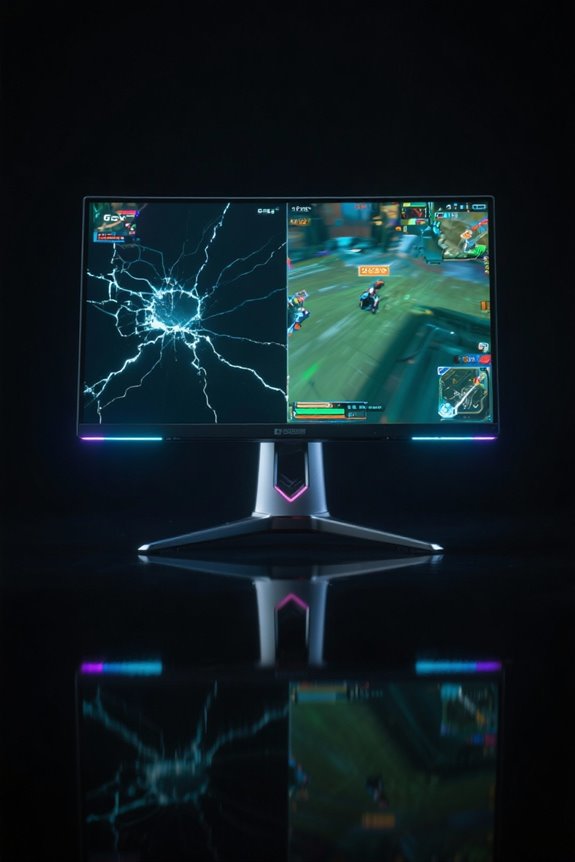
G-Sync represents a significant advancement in gaming technology, specifically devised by NVIDIA to enhance visual experiences in a competitive environment. This technology synchronizes a display’s refresh rate with the GPU’s frame output, effectively eliminating screen tearing and reducing stuttering. G-Sync operates within a frame rate range of 30Hz to a monitor’s maximum refresh rate, guaranteeing smoother gameplay. However, it requires proprietary hardware, often resulting in higher costs when compared to alternative solutions like FreeSync. Designed primarily for NVIDIA graphics cards, G-Sync assures consistent performance, lower input lag, and effective ghosting reduction. It is vital to note that G-Sync automatically disables when frame rates exceed the monitor’s maximum refresh rate, making it essential to cap frame rates slightly below that threshold for peak functioning. The technology’s variable overdrive feature provides advanced performance capabilities that help maintain visual clarity during rapid gameplay movements.
Overview of FreeSync
FreeSync technology, a dynamic refresh rate solution developed by AMD in 2015, has revolutionized the gaming landscape by providing a cost-effective alternative to G-Sync. Utilizing the VESA Adaptive Sync standard, FreeSync effectively reduces screen tearing and stuttering by synchronizing the monitor’s refresh rate with the GPU’s frame rate. This technology supports a wide range of refresh rates and is compatible with monitors featuring DisplayPort 1.2a and newer. Importantly, FreeSync operates without additional licensing fees for manufacturers, enhancing its accessibility. The latest versions, including FreeSync Premium and FreeSync Premium Pro, add HDR support and low framerate compensation (LFC) features, allowing for superior visual performance. While FreeSync performance may vary by monitor model, premium options increasingly rival traditional G-Sync displays. Modern gaming monitors like the Samsung Odyssey G7 showcase AMD FreeSync Premium Pro capabilities with impressive 180Hz refresh rates for exceptional gaming performance.
Comparing G-Sync and FreeSync
When it comes to choosing between G-Sync and FreeSync, many gamers find themselves weighing various features and specifications. G-Sync, developed by NVIDIA, necessitates proprietary hardware in monitors, leading to higher prices, whereas FreeSync’s open standard offers a more budget-friendly range. G-Sync excels within specific refresh rates, guaranteeing consistent performance with low input lag and effective ghosting reduction—ideal for competitive gaming. FreeSync, on the other hand, shows variable performance across models based on frame rates and GPU compatibility. While both support HDR visuals, G-Sync Ultimate provides advanced features, and FreeSync Premium Pro guarantees broader variability. Ultimately, gamers need to assess their hardware and preferences to minimize screen tearing and maximize their gaming experience. Modern gaming monitors like the Samsung Odyssey G3 demonstrate FreeSync’s capabilities with impressive 180Hz refresh rates and 1ms response times for smooth, tear-free gameplay.
Additional Considerations for Gamers
As gamers explore the nuances of screen performance, several factors beyond V-Sync and synchronization technologies warrant careful consideration. Screen tearing and stuttering can be disruptive, particularly in competitive scenarios. While V-Sync is disabled, players may prefer G-Sync or FreeSync to mitigate these issues. These technologies adjust the monitor’s maximum refresh rate to align with GPU frame rates, ensuring smoother visuals with minimal lag. It’s essential to remember that G-Sync primarily functions with NVIDIA cards, while FreeSync caters to AMD users, necessitating compatibility checks before purchasing. Additionally, capping the maximum FPS just below the monitor’s refresh rate can enhance performance, notably improving the gaming experience while avoiding tearing without incurring substantial input lag. Similar to how load capacity limits ensure shelf stability, maintaining appropriate frame rate limits helps preserve system performance and display quality.
Frequently Asked Questions
Does G-Sync Fix Screen Tearing?
G-Sync technology effectively addresses screen tearing by ensuring G-Sync compatibility between the GPU and monitor. This synchronization enhances performance without significant impact, ultimately improving the gaming experience through dynamic refresh rates tailored to frame rate fluctuations.
Does Freesync Help With Screen Tearing?
FreeSync helps mitigate screen tearing by benefiting gaming performance through effective refresh rate adjustments. It requires monitor compatibility to synchronize frame output, ultimately enhancing visual experiences, especially in fast-paced gaming scenarios where screen tearing is prevalent.
Does V Sync Fix Screen Tearing?
V Sync can help reduce screen tearing, yet its performance may vary; it can introduce input lag, impacting the gaming experience. Adaptive sync technologies further enhance synchronization with refresh rates, improving overall fluidity in gameplay.
Should You Use Vsync With Freesync?
Using V-Sync with FreeSync can negatively impact performance, as FreeSync already optimizes the gaming experience by matching frame rates. This combination may increase input lag, counteracting FreeSync benefits and ultimately diminishing overall gaming performance.


